
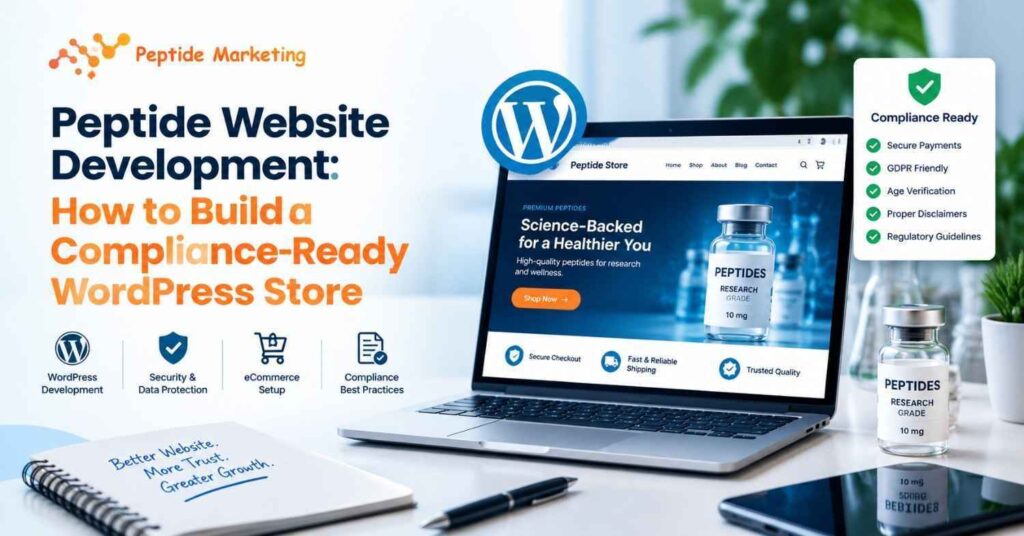
Most peptide stores don’t fail because of the product. They fail because of the website: a frozen payment account, a rejected ad, one page that says too much.
Peptides website development isn’t regular e-commerce with a new logo. Your site has to work for buyers, payment processors, search engines, and regulators, and each of them is looking for something different. Here’s how to build it properly on WordPress.
The process of building a website for a peptide brand
| Step | Action | Result |
| 1. Compliance plan | Set positioning, banned claims, buyer rules | Written content policy |
| 2. Foundation | Domain, managed hosting, SSL, security | Secure staging site |
| 3. Architecture | Product pages, COA library, policies | Trust-first structure |
| 4. Compliance layer | Research-use wording, terms tick box | Rule-enforcing templates |
| 5. Payments | Apply, match site to application | Approved checkout |
| 6. Speed | Images, plugins, caching | Passing Core Web Vitals |
| 7. SEO | Keyword map, schema, sitemap | A store that can rank |
Why is a peptide store different from normal ecommerce?
Three problems come up again and again.
Claims risk. One careless sentence can get your ads rejected and your merchant account frozen.
Payment friction. Most mainstream gateways treat this category as high-risk, so expect extra scrutiny.
Buyer doubt. Shoppers have been burned before, so they check everything. Our guide on how to know if a peptide website is legit shows what they look for. Build your store to pass that check.
Is WordPress the best solution for a peptide store?
| Option | Best for | Watch out for |
| WordPress + WooCommerce | Most peptide brands | You manage security and updates |
| Shopify | Simple catalogues | Platform restrictions on this category |
| Custom build | Large or wholesale operations | Higher cost, longer timeline |
How do you build a compliance-ready peptide website?
1. Plan compliance before design
Settle four things before anyone opens a wireframe:
- Positioning: make research use only, and include across the entire site, not in the footer.
- Banned claims: No claims are allowed to include dosing instructions, testimonials about effects, or treatment language.
- Who can buy: researchers only or age verification.
- Markets: US and UK rules differ. Building for Britain? See our peptide website development in the UK service.
Then get a legal professional to review your wording. A developer can structure the site, but they can’t clear your claims.
2. Set up the foundation
Opt for a domain name that is short and brandable, and does not include any medical promises. Then go over the basics: managed hosting, SSL on all pages, two-factor login for admins, malware scanning, and weekly updates. A compromised retail store not only loses the trust of its customers, but also payment access.
3. Build the trust architecture
Product pages: purity, size, format, a COA linked to the batch, research-use wording next to add-to-cart, and storage details without usage advice.
COA library: searchable by product and batch number. Not a dump of PDFs.
Core pages: About, Contact (with a real address), Shipping, Returns, Terms, Privacy, and a Research-Use Policy.
4. Add the compliance layer
Build these into your templates so nobody can forget them: a research-use disclaimer in the header and at checkout, a required terms tick box, a verification step if you use one, and cookie consent. Don’t display regulatory badges you haven’t earned. A fake seal does more damage than no seal.
5. Get payments approved
Approval can take longer than the build, so start early. Read each processor’s prohibited-content rules and make your live site match your application exactly. Reviewers do read your pages, so keep product wording clean. Line up a backup payment method too.
6. Pass Core Web Vitals
Slow stores lose buyers and rankings. Google measures speed through Core Web Vitals, and you need to pass all three:
| Metric | Measures | Target |
| LCP | Main content load | Under 2.5 seconds |
| INP | Response to taps and clicks | Under 200 ms |
| CLS | Layout jumping | Under 0.1 |
7. Build SEO in from the start
Give every topic, category, and guide one target product. Publish compliant educational content, add product and FAQ schema, and set canonical tags and a sitemap. Our ecommerce SEO guide covers the full process.
What mistakes get peptide stores suspended?
- Health or results claims, even in blog posts or alt text
- Placeholder policy pages at launch
- Heavy page builders that wreck Core Web Vitals
- COAs not tied to a batch
- Copied competitor descriptions
- Applying for payments with a half-built site
Pre-launch checklist
- Claims reviewed by a legal professional
- Research-use wording on product pages and checkout
- Batch-linked COAs live
- All policy pages published
- Payment account approved, test order placed
- SSL, backups, and two-factor login active
- LCP, INP and CLS passing on mobile
- Sitemap submitted, schema validated
Build it yourself or hire an agency?
If you already know WordPress and don’t mind working out payment rules as you go, DIY can work. A freelancer is fine for a simple catalogue. If you want structure and SEO handled together, bring in a specialist.
That’s where a peptide marketing agency comes in. At Peptide Marketing, we pair web development for peptides with SEO and launch support so the site is built to rank and to pass reviews.
Ready to build? Talk to us about your WordPress store.
FAQs
Is WordPress good for a peptide store?
Yes. WooCommerce lets you build a COA library, verification steps, and batch-level product data. WordPress handles your content and policies in the same place.
How long does peptide website development take?
A focused build takes several weeks. You can start payment approval and legal review while it’s underway.
Do I need researcher verification?
Not always. It depends on your market, positioning, and processor rules. Get advice first.
What hurts Core Web Vitals most on WooCommerce?
Four things: bloated themes, oversized images, too many plugins, and slow hosting. Fix those first.